Most store owners spend their budget on ads, landing pages, and product photography. Then a shopper adds an item to the cart, reaches the payment page, and leaves. No purchase. No error message. Just gone.
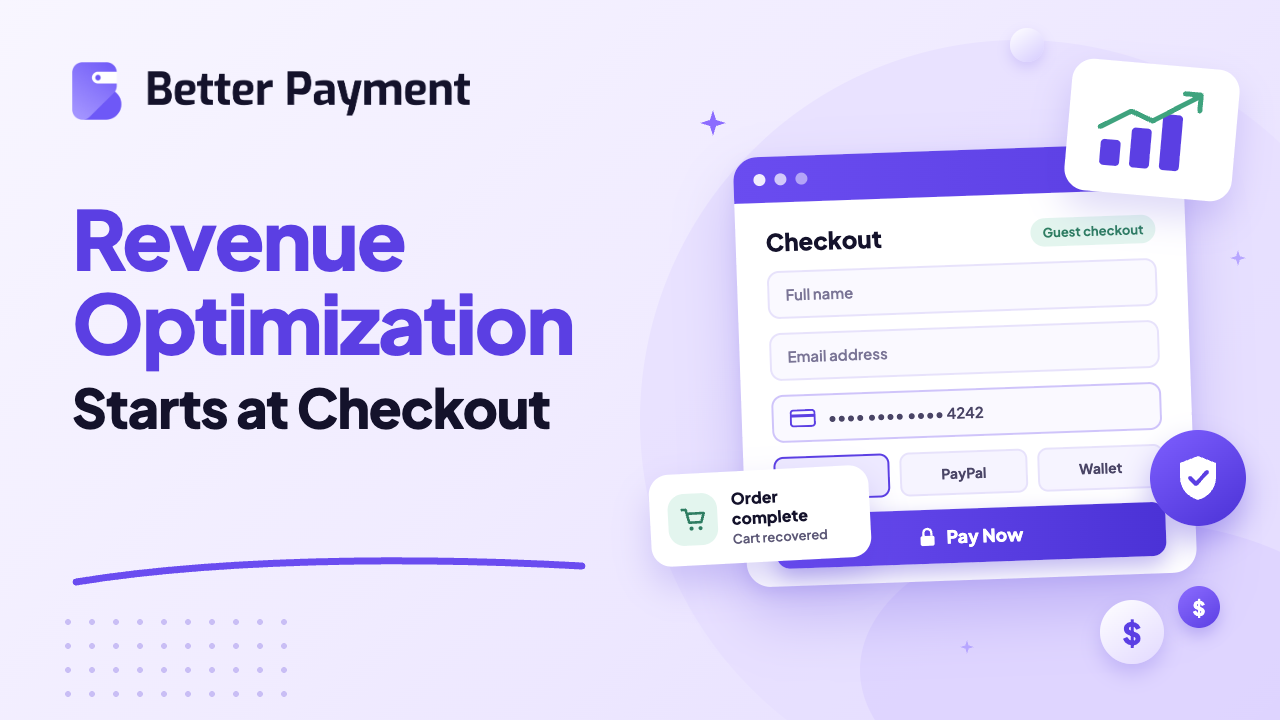
This is not a traffic problem. It is a checkout page optimization problem, and it is the single biggest lever most WordPress and Elementor site owners never pull. In this blog, you will learn why revenue optimization starts at checkout.
Quick Summary (TL;DR)
Here is the short version before we go deep. If you only have two minutes, this section covers the core numbers and fixes.
- The checkout page decides whether traffic turns into revenue. Everything before it just gets a shopper to the door.
- The average cart abandonment rate sits at 70.22% across 50 studies (Baymard Institute), and a large share of the non-browsing abandonment can be fixed through better checkout design.
- Extra costs, forced account creation, long forms, and limited payment options are the top reasons shoppers abandon checkout.
- Baymard estimates the average large ecommerce site could gain a 35.26% increase in conversion rate through better checkout design.
- Fixes like guest checkout, fewer form fields, multiple payment options, and visible trust signals recover revenue you already earned once.
- Better Payment removes much of the payment-step friction (account walls, limited gateways, and off-brand payment forms) without custom code.
The Checkout Page Is Where Revenue Is Won or Lost
Every marketing channel exists to get a visitor to one moment: when they enter payment details and click confirm. Revenue optimization work that stops at the landing page or the product page misses the part of the funnel with the highest stakes.
Think about it this way. A visitor who reaches the checkout has already decided to buy. They picked a product, added it to the cart, and started the payment flow. At this point, the business has done the hard part of persuasion. Losing the sale now is a checkout abandonment failure, and it costs more because the shopper was already sold.
This is why checkout page optimization deserves the same attention as ad spend or SEO. A small improvement in checkout completion often outperforms a much larger investment in top-of-funnel traffic, because it applies to every visitor who already intended to pay.
The Real Cost of a Weak Checkout Page
The numbers make the case on their own. They show how much revenue is sitting inside a checkout flow that has never been reviewed.
According to Baymard Institute, the average documented cart abandonment rate across 50 different studies is 70.22%. That means roughly seven out of ten shoppers who start the buying process never finish it.
Baymard also puts a dollar figure on the fixable share of that loss. Once “just browsing” shoppers are set aside, the remaining causes of abandonment are largely solvable through better checkout design, and Baymard estimates that closing those usability gaps could recover 260 billion dollars in orders across the US and EU alone.
Here is why US shoppers walk away, based on Baymard research. These figures leave out the 42% who were just browsing, and shoppers could pick more than one reason:
- 40% leave because of extra costs such as shipping, tax, or fees revealed too late
- 20% leave because delivery feels too slow
- 19% do not trust the site with their card details
- 18% are asked to create an account before they can pay
- 17% find the checkout process too long or too complicated
- 17% hit site errors or crashes
- 13% are not satisfied with the returns policy
- 12% cannot see or calculate the total order cost up front
- 10% have their credit card declined
- 9% leave because there are not enough payment methods
Each of these is a checkout friction problem, and every one of them lives on a page the business fully controls.
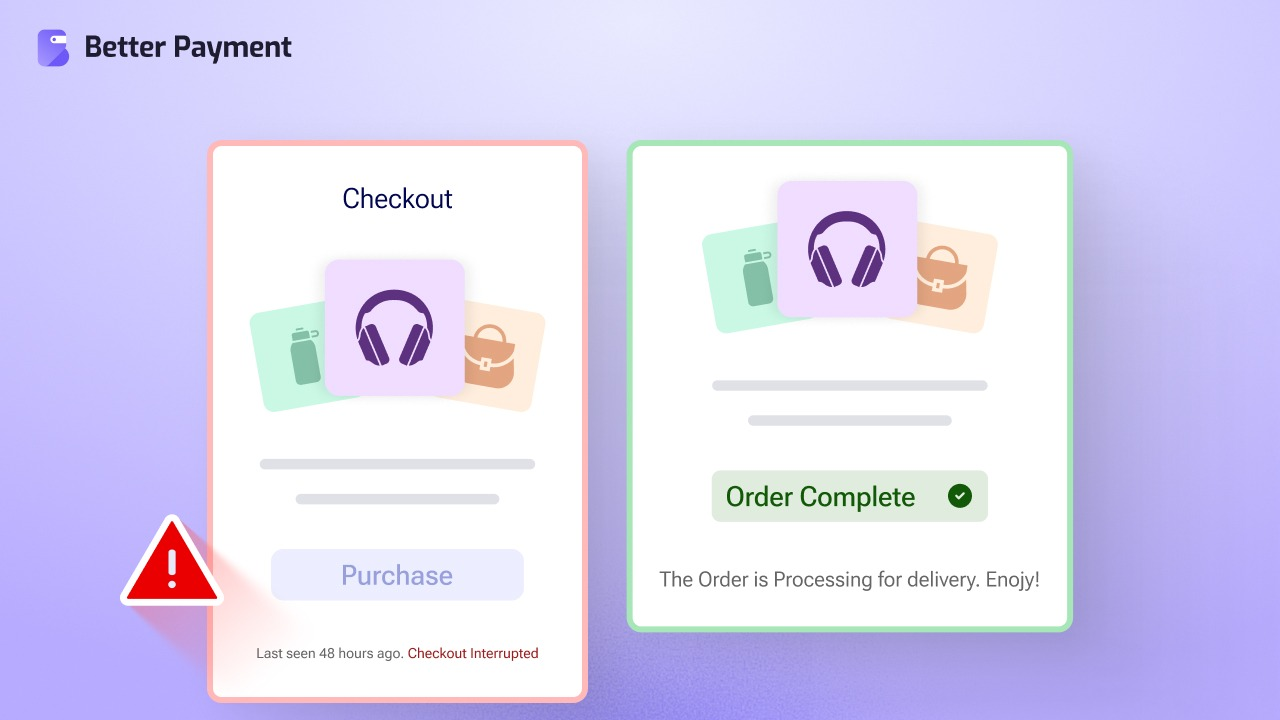
If you want the full breakdown of why shoppers abandon carts after adding items, our guide on checkout abandonment reasons and solutions walks through each cause with practical fixes.
Where Most Checkout Pages Leak Revenue
The reasons above are useful as a summary, but each one plays out differently depending on how a checkout page is built. The sections below break down the six leaks we see most often on WordPress and Elementor stores.
1. Hidden Costs Shown Too Late
Shoppers accept a price when they add an item to the cart. If shipping, tax, or service fees appear for the first time on the payment page, that shopper feels misled, even if the fees are standard. Showing total cost early, ideally on the product page or cart, reduces the biggest driver of abandonment. It directly fixes the 12% of shoppers who could not see the total cost up front. If the costs are simply too high, a free-shipping threshold or a flat shipping rate helps more than any design change.
2. Forced Account Creation
Asking a first-time buyer to register before they pay adds a wall between intent and purchase. Baymard finds that 18% of US shoppers have abandoned an order because the site wanted them to create an account. Customers who are ready to pay do not want to set a password first. Let them buy, then invite them to create an account after the order is confirmed.
3. Long, Complicated Forms
Baymard research shows the average US checkout displays 23.48 form elements by default, while an ideal flow needs only 12 to 14. That equals 7 to 8 form fields, since the element count also includes things like checkboxes and dropdowns. Every extra field is a chance for a shopper to stop, hesitate, or give up. Baymard also finds that most checkouts can cut their form elements by 20 to 60%.
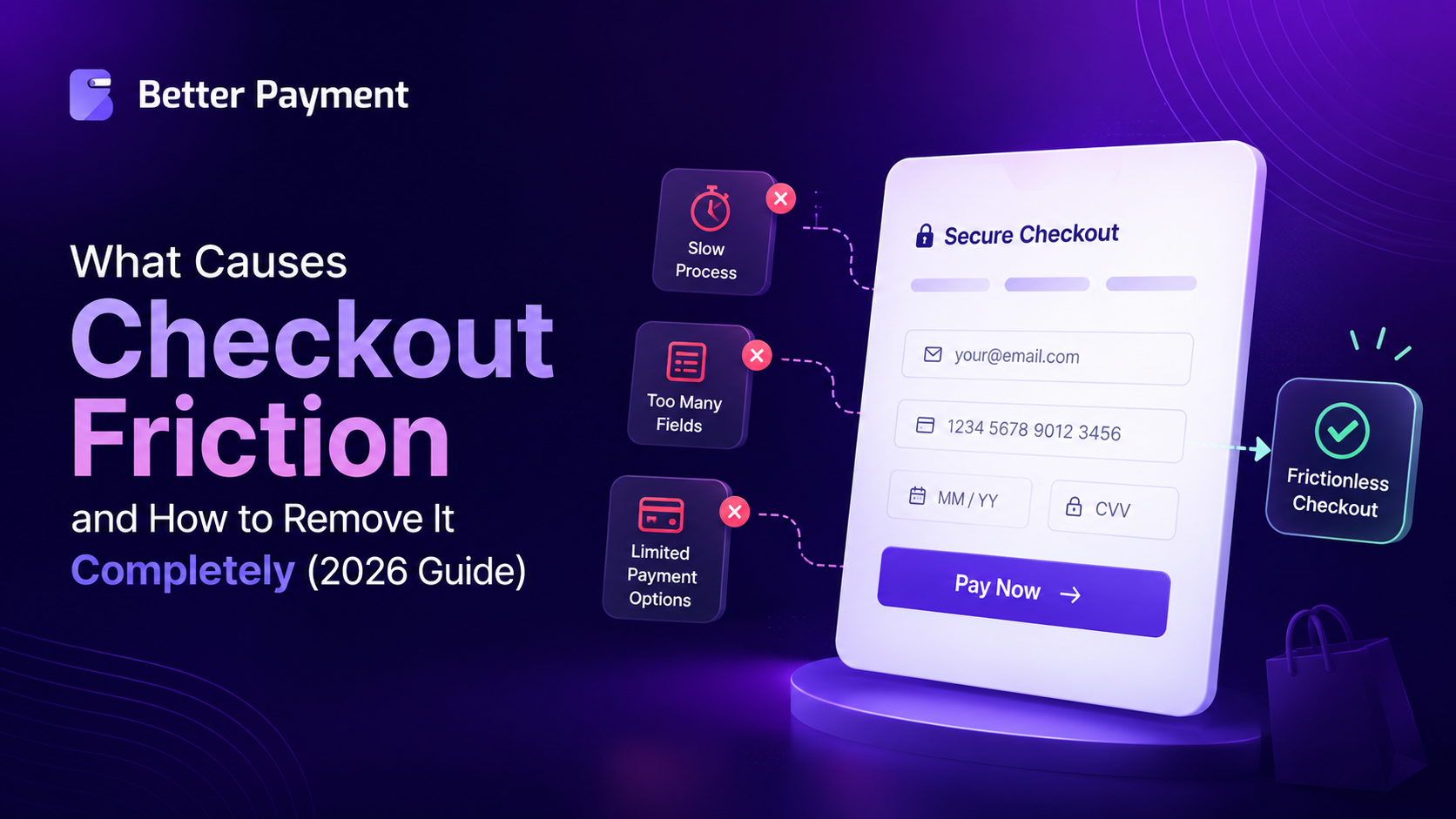
A streamlined checkout with 7 to 8 essential fields is one of the highest-return fixes available, and it is a core theme in our guide on what causes checkout friction and how to remove it.
4. Too Few Payment Options
Not every shopper carries the same card or wallet. BlueSnap reports that sites offering five or more payment methods see about 4.2% lower abandonment. Express options like one-click checkout shorten the path further for returning buyers. Digital wallets now account for 56% of global ecommerce spending, according to the Worldpay Global Payments Report 2026. A checkout limited to a single card processor turns away many ready buyers. The US is the main exception. There, wallets cover 40% of ecommerce spending and credit cards still cover 32%, so cards remain a must.
5. Weak Trust Signals
Nineteen percent of shoppers hesitate because they do not trust a site with their card information. Security badges, clear return policies, and a payment form that looks professional and consistent with the rest of the site all reduce this hesitation. Returns matter here too. Baymard finds that 13% of shoppers abandon because the returns policy was not good enough, so link to it near the pay button.
6. A Checkout That Breaks on Mobile
Most online shopping now happens on phones. Mobile made up 57% of global ecommerce spending in 2024, according to Worldpay. Shoppers also abandon more often on phones, because small screens make every extra field and tap slower. These fixes help the most:
- Digital wallets. Wallet buttons let shoppers pay without typing a 16-digit card number on a small keyboard.
- Autofill and correct input types. Use the right field types so phones show a number pad for card and phone fields. Let the browser fill in saved addresses.
- Large tap targets. Buttons and checkboxes should be easy to hit with a thumb.
- A sticky pay button. Keep the main payment button visible as the shopper scrolls.
- Page speed. A slow checkout page loses mobile shoppers before the form even loads.
Measure Where Shoppers Drop Off
Find out where shoppers leave before you fix anything. Without a baseline, you cannot tell whether a change worked.
- Build a checkout funnel in GA4. Track the begin_checkout, add_payment_info, and purchase events to see which step loses the most people.
- Check your store reports. If you run WooCommerce, its built-in Analytics shows order trends before and after each change.
- Record a baseline. Write down your current cart abandonment rate so you have a number to beat.
- Test one change at a time. A/B test a single fix, such as removing one field, so you know what moved the number.
How to Turn Your Checkout Page Into a Revenue Engine
Ecommerce conversion rate optimization at checkout comes down to a series of small, specific fixes that add up fast once they are in place. Here is the order we recommend tackling them in.
- Show the full price early. Include estimated shipping and tax on the cart page, not just at final payment.
- Offer guest checkout by default. Save account creation for after the sale.
- Cut form fields to the essentials. Name, address, and payment details are usually enough.
- Add multiple payment methods. Cards, PayPal, and digital wallets cover more of your audience.
- Enable one-click or express checkout for returning customers wherever possible.
- Offer buy now, pay later where it fits. BNPL made up 6% of US ecommerce spending in 2025, according to Worldpay.
- Show prices in local currency. Shoppers hesitate when they have to convert prices in their head.
- Write clear decline and error messages. Baymard finds that 10% of shoppers abandon after a card decline. Tell them what went wrong and how to fix it.
- Place trust signals near the payment button. Security badges and clear policies reduce last-second hesitation.
- Test the mobile experience specifically. A checkout that works on desktop can still fail on a small screen.
If your store runs on WordPress, the fastest way to apply most of these fixes at once is through the payment layer itself, rather than rebuilding the checkout page from scratch.
Our guide on how to optimize the checkout experience on a WordPress site covers this in more depth, including how one-click flows and urgency indicators work together to lift conversions.
How Better Payment Fixes This on a WordPress Site
Everything above points to the same conclusion. Many checkout leaks sit inside the payment step, and that is the part Better Payment was built to handle. It will not lower your shipping costs or speed up delivery. It does remove account walls, limited gateways, and off-brand payment forms.
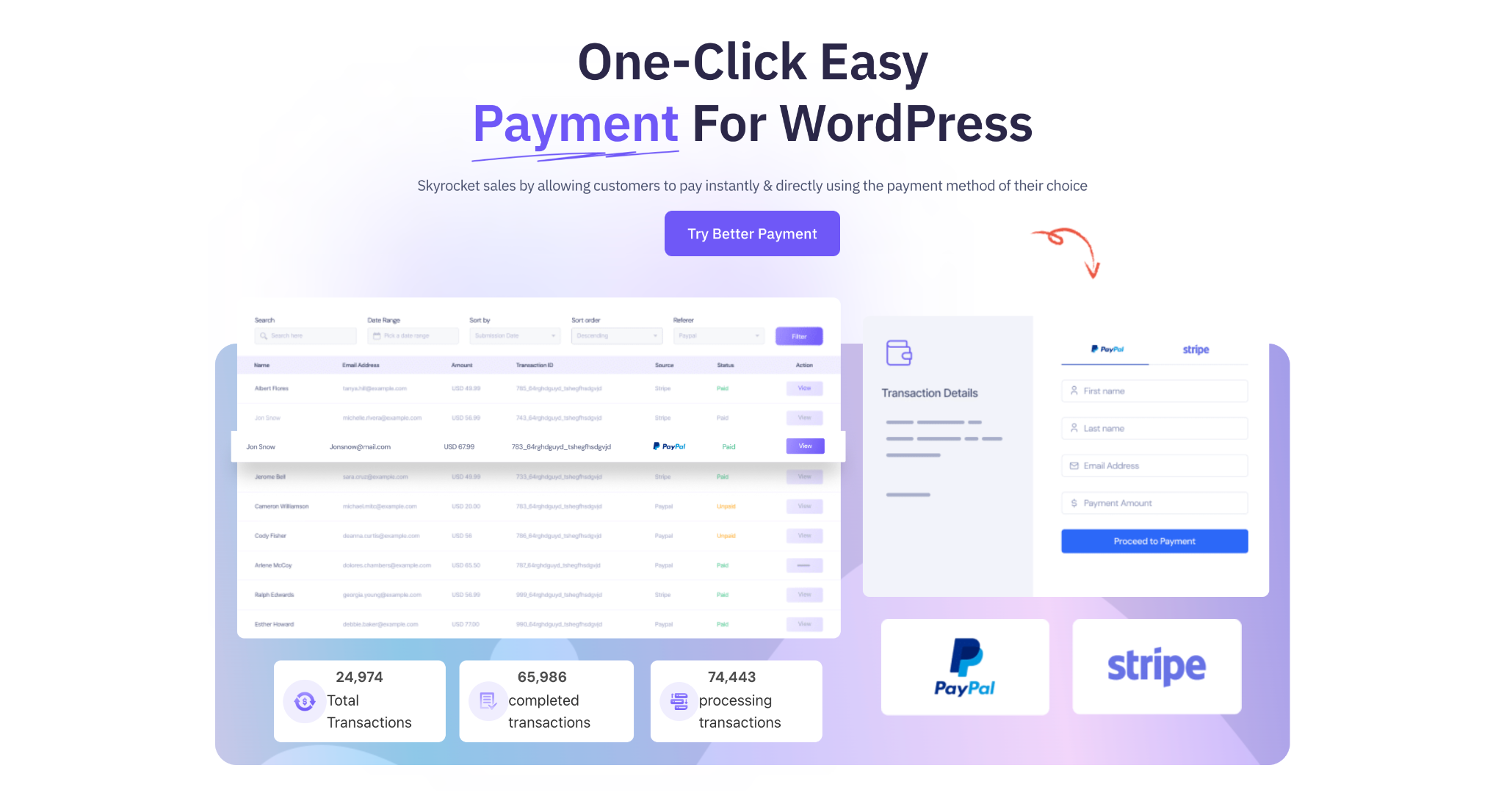
Better Payment is a payment gateway integration plugin for WordPress. It adds standalone payment, donation, subscription, and per-product purchase forms to any page. For products and services, it works as a direct-pay alternative that skips the cart entirely. Shoppers pay through PayPal, Stripe, or Paystack without creating an account. PayPal and Paystack send shoppers to the gateway to pay and then back to your site, while Stripe also offers an embedded on-site option. If you run a full WooCommerce store, you can also use Better Payment as a WooCommerce payment gateway. The forms work as an Elementor widget, as a Gutenberg block, and with the Elementor Form widget, so they fit whichever builder you use. Styling controls let each form match the rest of your site.
A few ways it maps directly to the leaks covered in this post:
- No account required. Customers fill in a short form and pay. There is no registration step.
- Multiple payment methods in one form. PayPal, Stripe, and Paystack sit side by side, and Stripe handles major cards such as Visa, Mastercard, and American Express. This addresses the 9% of shoppers who leave due to limited payment options.
- Fewer form fields. The checkout widget only asks for what is needed to complete the transaction.
- Built-in styling controls. The payment form can match your brand, which supports the trust signals shoppers look for before entering card details.
- Automatic emails, PDF invoices, and transaction tracking. Admin and customer emails go out with each payment, customers can get PDF invoices, and a filterable transaction list keeps every record in one place. This keeps the post-purchase experience consistent, which supports repeat purchases.
- 22+ currencies. Shoppers can pay in their own currency instead of guessing the conversion.
- Stripe coupon support. Discounts apply right inside the payment form.
- WooCommerce and FluentCart support. Build payment forms for WooCommerce and FluentCart products, use Better Payment as a WooCommerce payment gateway, and sell WooCommerce products as subscriptions.
Some features are part of Better Payment PRO, including payment analytics and the donation, WooCommerce, and subscription form styles. The general payment form styles are free.
If you are still comparing gateways and plugins for your store, our guide on choosing the right payment system for your WordPress website breaks down what to weigh, including cost, security, and global reach. And once the gateway is set, the design of the payment button itself matters too.
Our tips on designing a WordPress payment button cover how placement, labeling, and styling affect completion rates.
A Quick Checkout Audit Checklist
Use this list as a final pass before you consider your checkout page done. Each line maps back to one of the leaks covered above.
- Total cost visible before the payment page
- Guest checkout enabled
- Checkout form limited to essential fields
- At least three payment methods, including a digital wallet (add more if you sell across regions)
- Trust signals visible near the payment button
- Mobile checkout tested on an actual phone, not just resized in a browser
- Returns policy linked near the payment button
- Clear card-decline and error messages
- Checkout page loads fast on mobile data
- Abandoned-cart recovery emails set up
- Baseline abandonment rate recorded before any change
Recover the Shoppers Who Still Leave
Even an optimized checkout loses some shoppers. Abandoned-cart recovery emails are the standard second step. Klaviyo found that abandoned-cart flows averaged a 50.5% open rate across more than 143,000 flows sent in 2023. Send the first reminder within a few hours, link straight back to the cart, and keep the message short.
FAQs (Frequently Asked Questions)
What is a good cart abandonment rate?
How many fields should a checkout form have?
Does guest checkout increase conversions?
Does Better Payment work with WooCommerce?
Treat Your Checkout Page Like a Revenue Channel
Traffic gets shoppers to your store. Product pages convince them to buy. But the checkout page is where that intent either turns into revenue or disappears. Every fix listed here is small on its own. Together, they close the gap between the sales you are making and the sales that are already sitting in abandoned carts, waiting for a smoother path to completion.
If you haven’t reviewed your checkout page in the last few months, that review is likely the highest-return project available to your store right now.
Start With Better Payment
You do not need a full redesign to see results. Installing Better Payment, setting up a short payment form with no account step, and adding a few extra payment methods can be done in an afternoon, and you can start measuring the impact as soon as orders come through. Get Better Payment for your WordPress site and start closing the gap between traffic and revenue.