You put in the hard work. The ads ran. The product pages looked great. A customer browsed, found what they wanted, added it to the cart and then vanished.
Sound familiar?
Shopping cart abandonment is one of the most frustrating and costly problems in eCommerce. According to the Baymard Institute, the average cart abandonment rate sits at 70.19% that means roughly 7 out of every 10 people who add something to their cart leave without buying.
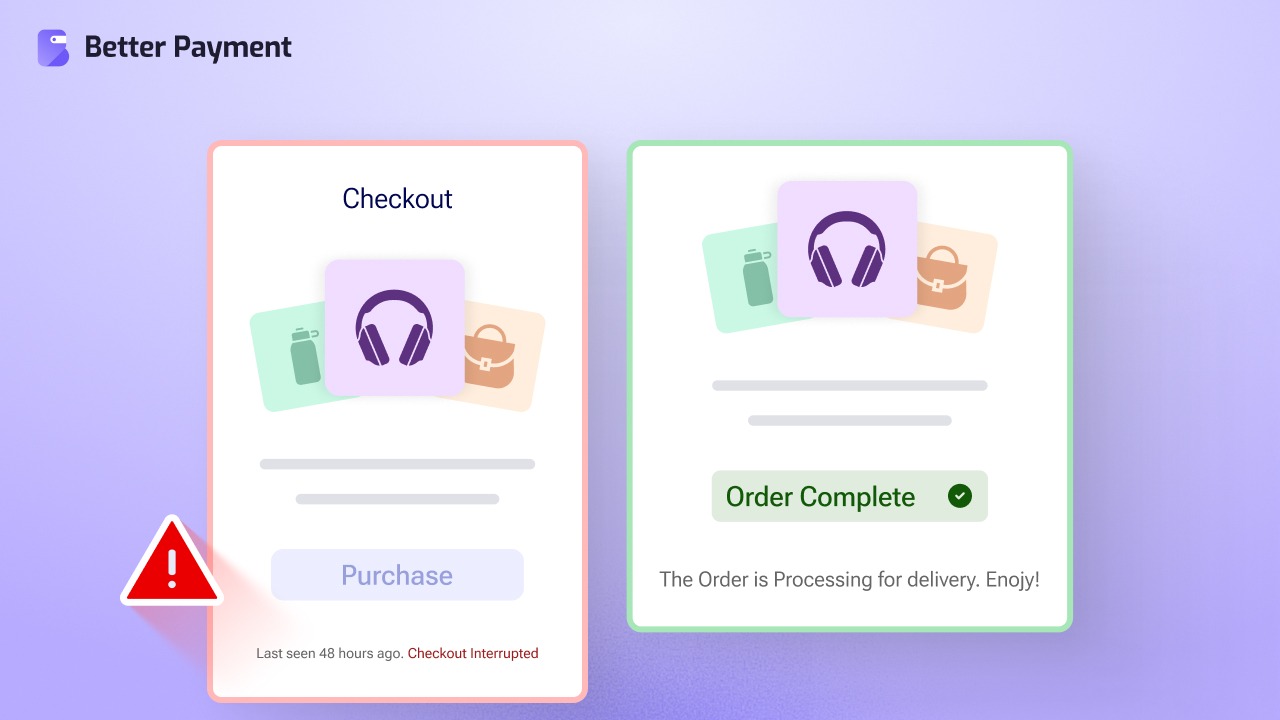
That is not just a bounce. That is revenue walking out the door.
The good news? Most of these abandonments are preventable. Customers who add items to their cart have intent. They are not just browsing; they have already cleared the first hurdle. What stops them from completing the purchase is almost always fixable friction in the checkout experience.
In this guide, we will break down exactly why customers abandon checkout, what the data says, and what you can do (step by step) to recover those lost sales.
What Is Cart Abandonment And Why Should You Care?
Cart abandonment occurs when a customer adds one or more products to their online cart but exits the site before completing the purchase. It is different from browse abandonment (leaving without ever adding anything) and is specifically painful because it represents high-intent traffic that almost converted.
Checkout abandonment is a closely related but distinct term; it refers to users who go even further and start entering checkout details, then still leave. This group is arguably the highest-intent segment on your site and the most recoverable.
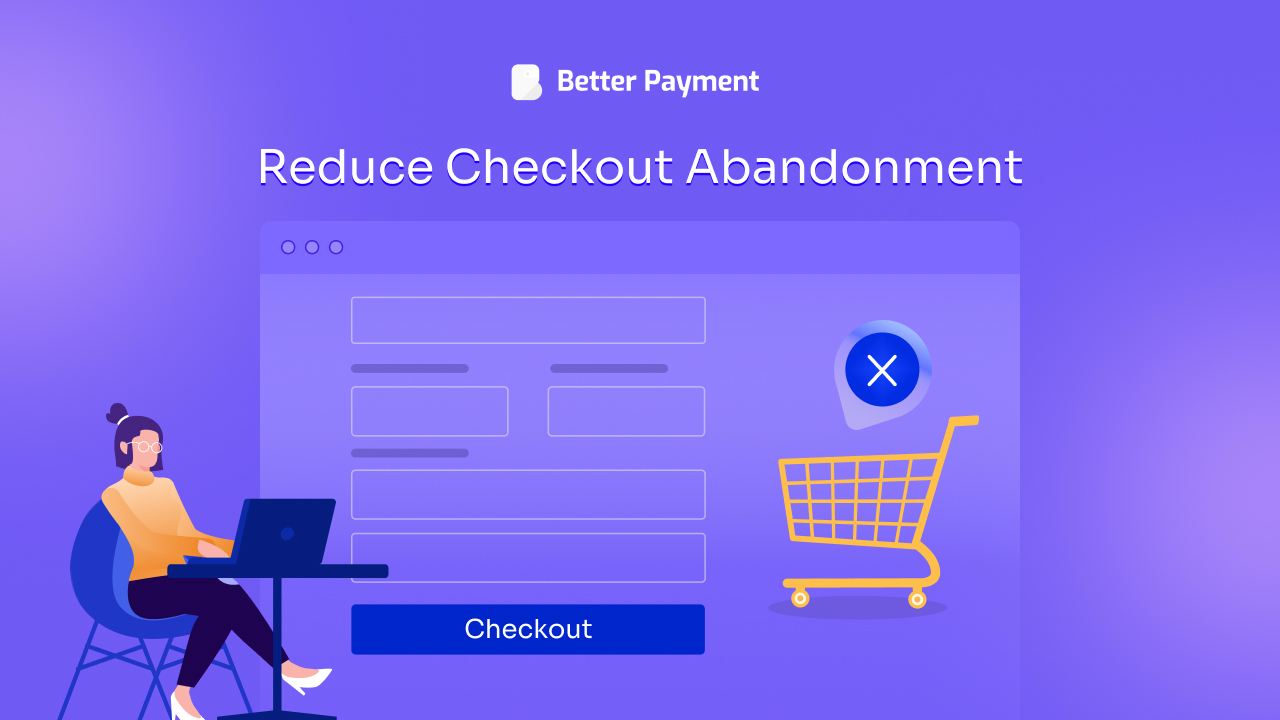
The financial impact is enormous. Estimates suggest that $4 trillion worth of products are left in abandoned carts globally every year. The Baymard Institute further calculated that $260 billion of that figure is directly recoverable through better checkout design and experience alone.
These numbers highlight a challenge faced by eCommerce businesses across every platform: customers are often ready to buy but drop off before completing the purchase. For WooCommerce store owners, this makes optimizing the checkout experience more important as well.
The Top Reasons Users Abandon Checkout
Before you can fix the problem, you need to understand the abandon checkout. The reasons customers leave after adding to cart are well-documented and they are almost all within your control.
1. Unexpected Extra Costs (48% of Abandonments)
This is the single biggest driver for abandon checkout, and it has been at the top of every major study for years. Nearly half of all customers abandon because they encounter surprise charges at checkout (shipping fees, taxes, handling fees, or service charges) that were not visible earlier in the journey.
The psychology is straightforward: the customer is mentally committed to a price when they add the item. When the total jumps at checkout, it feels like a breach of trust, even if the fees are technically disclosed in fine print somewhere.
The fix: Display all-inclusive pricing or shipping estimates as early as possible, ideally on the product page itself, not just at checkout. If you offer free shipping above a certain threshold, make that threshold visible from the start. Transparency is not just ethical; it is a conversion strategy.
2. Forced Account Creation (26% of Abandonments)
Over a quarter of users abandon checkout when they are required to create an account before completing their purchase. Customers who are ready to pay do not want to stop and fill out a registration form, verify an email, and set a password before they are allowed to give you money.
The friction is real. The hesitation is immediate. And for first-time buyers especially, the trust required to hand over personal information for account creation simply is not there yet.
The fix: Offer guest checkout & that is it. Baymard data suggests that implementing guest checkout reduces forced-account abandonment from 26% down to approximately 8%. You can still ask users to create an account after the purchase is complete, at which point conversion rates for account creation run between 30–45%, because the value proposition is clear: “Save your details for next time.”
3. Payment Security Concerns (25% of Abandonments)
One in four customers abandons checkout because they do not feel confident that their payment information is safe. This is particularly common on newer or lesser-known sites where trust signals have not been established.
In an era of increasing data breaches and online fraud, customers have become rightfully cautious. If your checkout page looks outdated, lacks SSL indicators, or does not display recognizable payment badges, anxiety sets in and the customer leaves.
The fix: Display security badges and trust seals prominently at the checkout stage. SSL certificates, recognized payment gateway logos (PayPal, Stripe) and fraud protection indicators all contribute to perceived security. Customer reviews, clear return policies, and visible contact information also build the kind of ambient trust that keeps customers on the page.
This is where using a reliable payment plugin matters enormously. Tools like Better Payment integrate with trusted gateways like Stripe, PayPal & Paystack, carry built-in credibility that generic or homegrown checkout systems simply can not replicate. When customers see a familiar Stripe or PayPal interface, their guard drops.
4. Long or Complicated Checkout Process (22% of Abandonments)
A checkout flow that asks too much (too many steps, too many form fields, too much scrolling, too many redirects) is friction in its most literal form. About 22% of abandoners cite complexity as their reason for leaving.
The golden standard, according to Baymard Institute, is 8 form fields for the typical checkout. Many sites far exceed this, asking for information that is not necessary or presenting it in a way that feels overwhelming. Progress bars help (knowing you are on “Step 2 of 3” is reassuring). Unnecessary steps do the opposite.
The fix: Audit your checkout flow ruthlessly. Remove any field that is not absolutely required for the transaction. Enable autofill wherever possible. Implement a progress indicator so users can see the finish line. If you can offer one-page checkout, even better. The fewer page loads between “confirm order” and “payment complete,” the fewer opportunities for second thoughts.
5. Hidden Total Costs Visible Only at Final Step (21% of Abandonments)
This is distinct from unexpected shipping costs in that it is about the timing of disclosure. Even when the fees are not outrageously high, revealing the full cost only at the final payment screen creates a moment of sticker shock that many customers can not get past.
The fix: Show a running total (including all fees, taxes, and shipping) at every stage of the checkout funnel. Do not save the reveal for the payment page. The earlier users see the real number, the more time they have to mentally adjust and commit, rather than feeling ambushed at the finish line.
6. Unsatisfactory Return or Refund Policy (18% of Abandonments)
A 2024 Blue Yonder survey found that 69% of customers say tighter return policies have deterred them from making a purchase. And 91% said a lenient return policy positively influenced their buying decision. The checkout moment is when risk-aversion peaks — customers think, “What if this isn’t right?” If there is no clear, reassuring answer, they will not take the chance.
The fix: Make your returns and refund policy easy to find and easy to understand — ideally with a visible link or summary near the payment button. A “no questions asked” or “30-day returns” message at checkout can meaningfully reduce hesitation, especially for first-time customers.
7. Website Errors And Technical Issues (17% of Abandonments)
Bugs, slow loading times, failed payment attempts, and broken pages are direct conversion killers. A customer who encounters a technical error at checkout rarely comes back. Research shows that 57% of customers will abandon a page that takes more than three seconds to load.
Failed payments deserve special attention. When a legitimate transaction is declined (whether due to a payment gateway issue, a false positive fraud flag, or a processing error), the customer almost never understands it as a technical problem. They blame the store.
The fix: Regularly test your checkout flow across devices, especially mobile. Monitor page load times and invest in quality hosting. Use a robust, well-maintained payment plugin that minimizes failed transactions and handles errors gracefully.
Better Payment, for instance, provides instant transaction tracking and error notifications directly from the WordPress dashboard, letting you identify and address issues before they compound.
8. Limited Payment Options (13% of Abandonments)
Customers have preferred payment methods, and when yours do not match, they leave. Digital wallets like PayPal and Stripe are increasingly expected, especially among mobile customers. Studies show that 67% of millennials prefer digital wallets because of speed and convenience, and BNPL (Buy Now, Pay Later) adoption continues to grow across demographics.
The fix: Expand your accepted payment methods. At a minimum, offer card payments alongside PayPal or Stripe. If your audience skews younger or mobile-heavy, consider adding BNPL options, which research suggests can improve checkout conversion by up to 78% and increase average order value by 20%.
The Mobile Checkout Problem
Cart abandonment on mobile devices is dramatically worse than on desktop. Depending on the source, mobile abandonment rates range from 80% to 85.65%, which is significantly higher than the already painful desktop rate of around 66–70%.
The reasons are intuitive: small screens make form filling harder, mistyped fields are more likely, and the overall interface demands more precision from a device that’s harder to control than a keyboard and mouse. Add an inconsistent mobile payment UX to the mix, and the problem compounds.
Solutions for mobile checkout:
| Solution 1 | Minimize form fields to reduce typing effort |
| Solution 2 | Enable digital wallet payments (e.g., PayPal) |
| Solution 3 | Use large, tap-friendly buttons |
| Solution 4 | Test checkout on real mobile devices |
| Solution 5 | Ensure fully responsive, mobile-optimized payment forms |
A plugin like Better Payment is built with Elementor & Gutenberg compatibility, meaning its payment forms can be styled and optimized for mobile layouts, no coding required.
How a Streamlined Payment Experience Solves Most of These Problems
If you trace most of the reasons above back to their root, they share a common thread: friction. Anything that slows, complicates, confuses, or creates doubt in the buyer’s mind is friction. And the payment step is where friction is most fatal.
This is exactly the problem Better Payment was built to address. As a one-click payment solution for WordPress, Better Payment removes the layers of complexity that typically stand between a customer’s intention and a completed transaction.
Here is how it directly addresses the top abandonment causes:
i. Trusted gateways by default. Better Payment integrates with Stripe, PayPal & Paysatck, three of the most recognized and trusted names in online payments. This addresses security concerns without requiring stores to invest in custom trust-building.
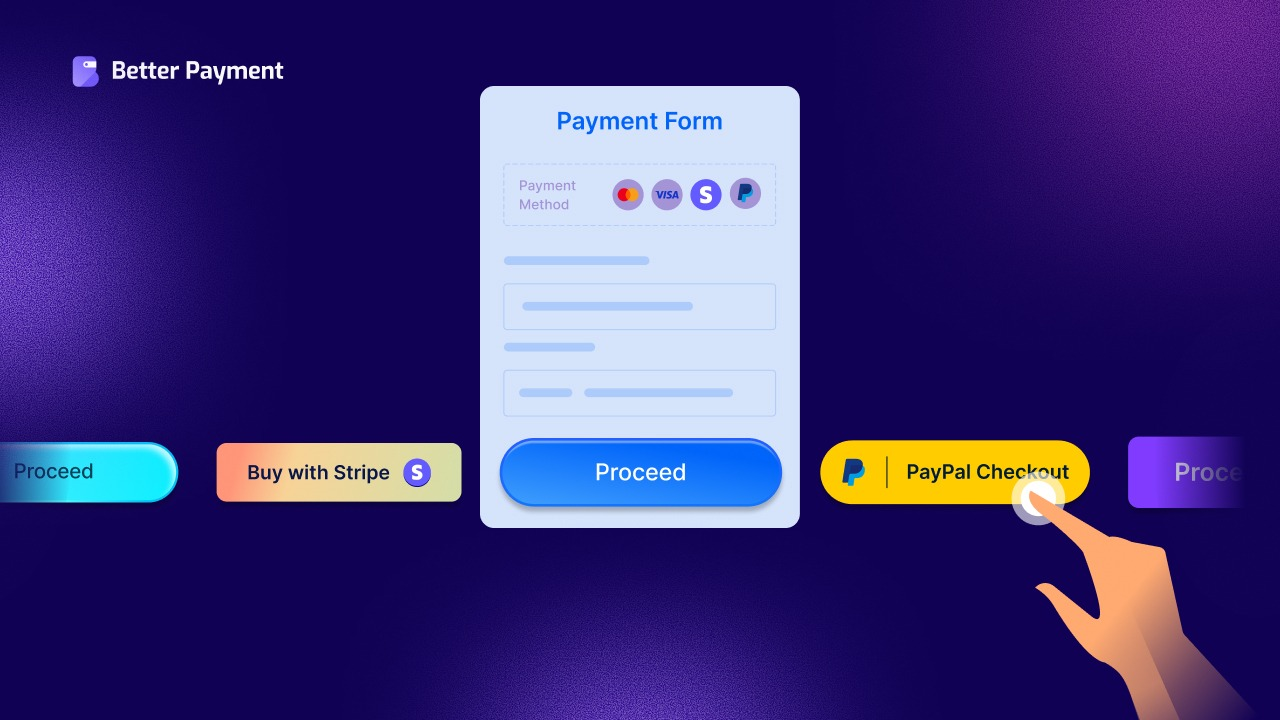
ii. Simplified, customizable payment forms. With Elementor and Gutenberg compatibility, you can build clean, minimal payment forms that collect only what is necessary. It reduces the form-field overload that drive abandon checkout away.
iiii. One-click checkout capability. The plugin is designed for direct, fast payment collection — skipping the bloated multi-step flows that frustrate customers. Customers can pay and be done in a single interaction.
iv. Transaction tracking and notifications. Better Payment logs all payment history in your WordPress dashboard and sends automatic notification emails to both admin and customer after each transaction. It reduces the anxiety of “did my payment go through?” that can haunt checkout moments.
v. Support for recurring payments. For stores with subscription or membership components, Better Payment’s recurring payment via Stripe handles the repeated checkout experience, which means fewer re-entering of payment details and lower long-term abandonment risk.
vi. WooCommerce compatibility. You can create separate purchase forms for individual WooCommerce products and place them anywhere on your site, including product pages, enabling purchase directly without routing through a multi-step cart checkout at all.
Beyond the Checkout: Cart Recovery Strategies That Work
Even with an optimized checkout, some abandon checkout is inevitable. A portion of customers genuinely are just browsing, comparing, or waiting for payday. The question is: how do you bring the recoverable ones back?
Abandoned Cart Emails
Cart recovery emails remain one of the highest-performing channels in eCommerce. Studies show that abandoned cart emails achieve better open rates and click-through rates, which are far above typical marketing emails. And roughly half of those clicks result in completed purchases.
A recovery sequence of three emails: a reminder, an incentive (discount or free shipping), and a final nudge, consistently outperforms single-email approaches. Campaigns using three emails have been shown to generate dramatically more revenue than single-email campaigns.
Retargeting Ads
Customers who have added to cart and left are ideal candidates for retargeting, showing them ads for the specific product they left behind as they browse elsewhere. The intent signal is strong, and the reminder is highly relevant.
Exit-Intent Popups
Triggered when a user’s cursor moves toward the browser tab or back button, exit-intent popups can offer a discount code, free shipping, or simply a reminder of what is in the cart. Used thoughtfully (not aggressively), they recover a meaningful percentage of users who were seconds from leaving.
SMS Reminders
As mobile commerce grows, SMS-based cart recovery is gaining traction. Text messages have significantly higher open rates than email, and a well-timed, non-pushy reminder can bring back customers who might have missed the email.
Reduce Abandoned Checkout & Increase Your Revenue
Every customer who adds to the cart and leaves is telling you something about where your checkout experience breaks down. The data is consistent, the reasons are clear and the fixes are largely within reach for any WordPress store owner.
The highest-leverage change you can make is simplifying the payment experience itself. When the path from “add to cart” to “order confirmed” is short, clear, and trusted, abandon checkout drops, conversions rise, and the revenue you have been leaving on the table starts coming back.
Subscribe to our blog for more strategies and join our Facebook community to connect with like-minded professionals.